Efficient web development isn't just about code—it's about using the right tool for the right job. From image optimization to SEO audits, here are the essential tools I use daily to ensure my websites are fast, accessible, and search-engine friendly.
Table of Contents
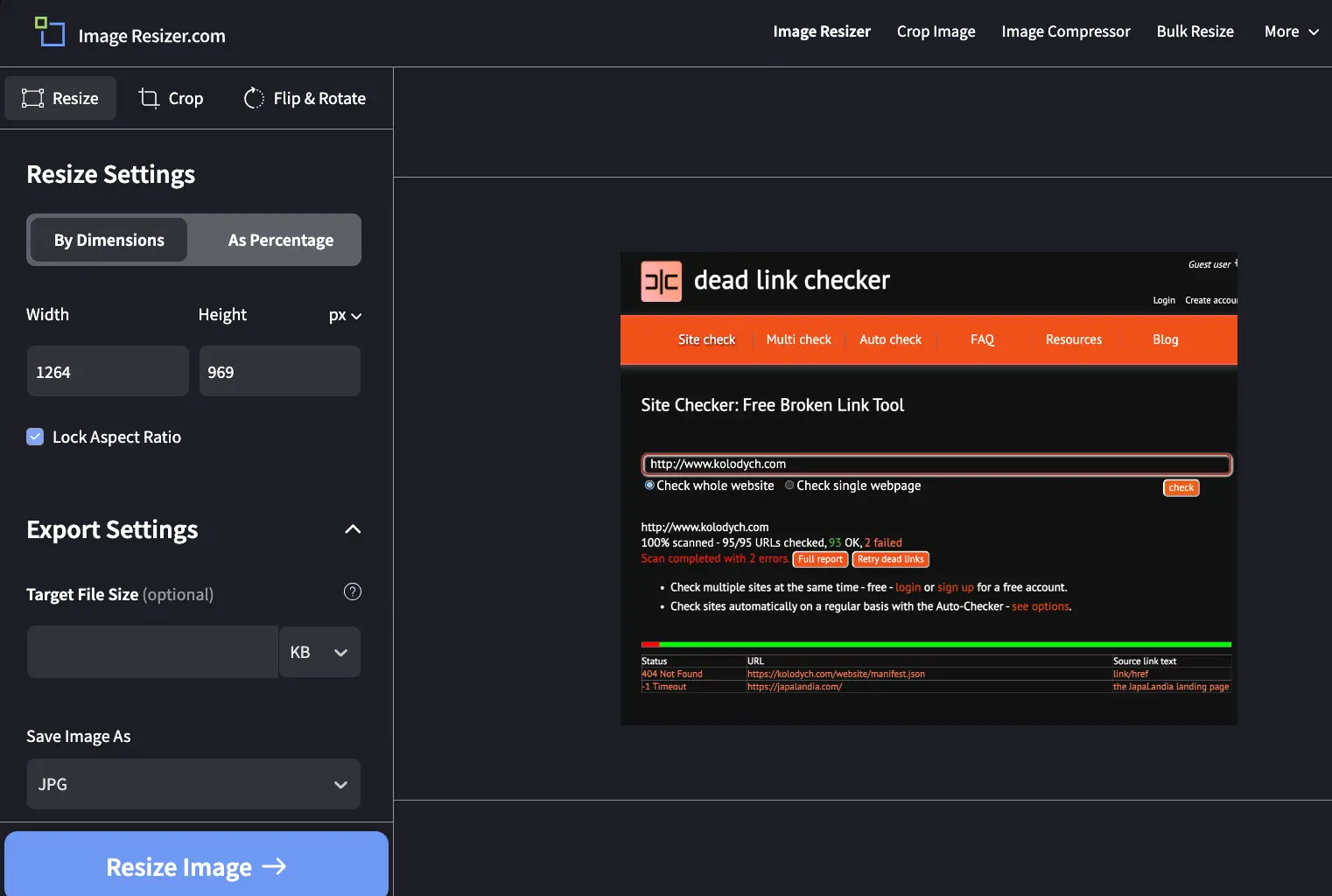
Image Optimization with Image Resizer
How do I ensure images are optimized for the web? With Image Resizer, I can resize, crop, or convert images to JPG, PNG, or WebP. A standout feature is the ability to target a specific file size (e.g., 30KB) for JPEGs.
Broken Link Management with Dead Link Checker
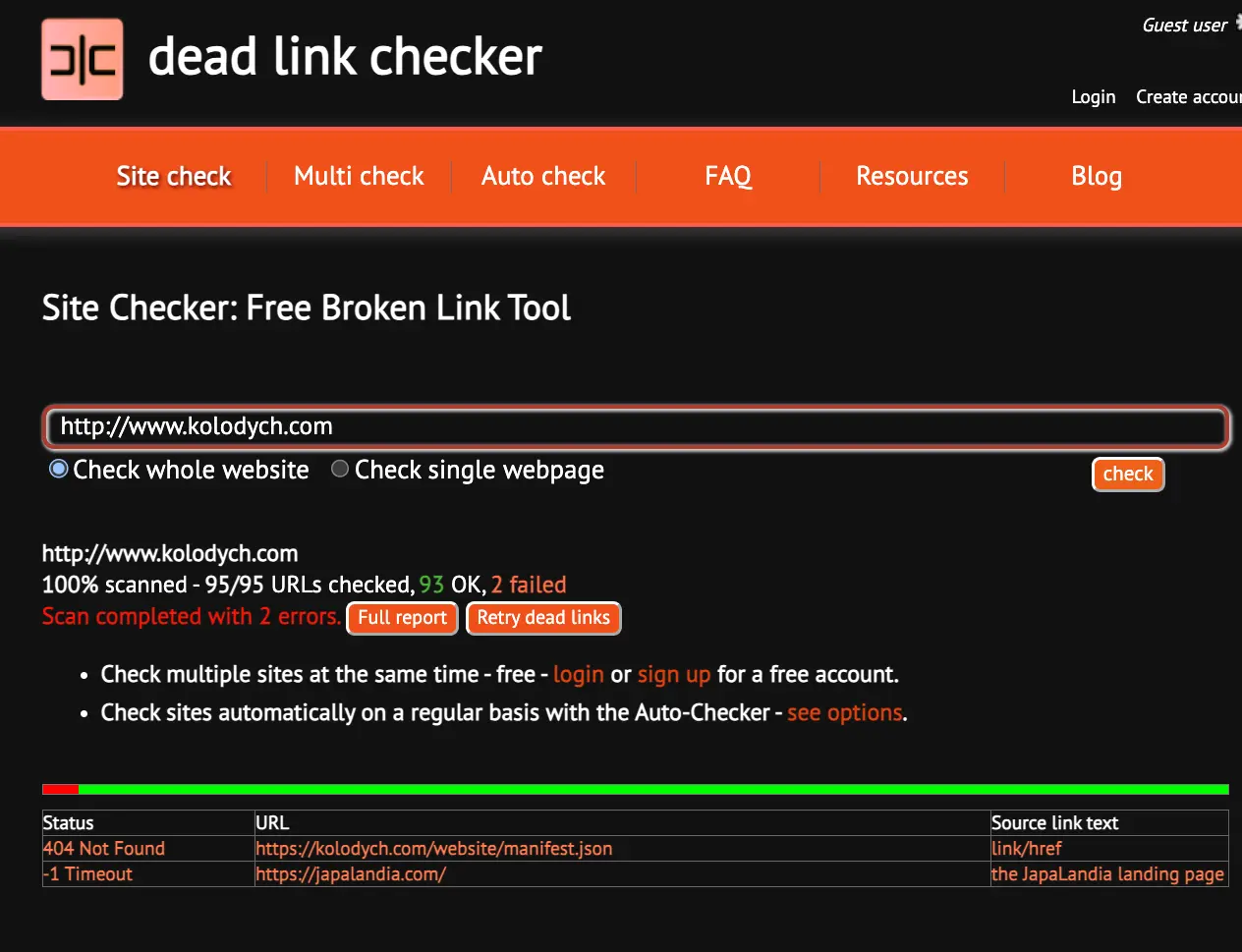
Dead Link Checker provides an affordable way to track down and resolve broken links, offering both free and automated checks. Fixing these is vital for both UX and SEO.
Overview of PageSpeed Insights
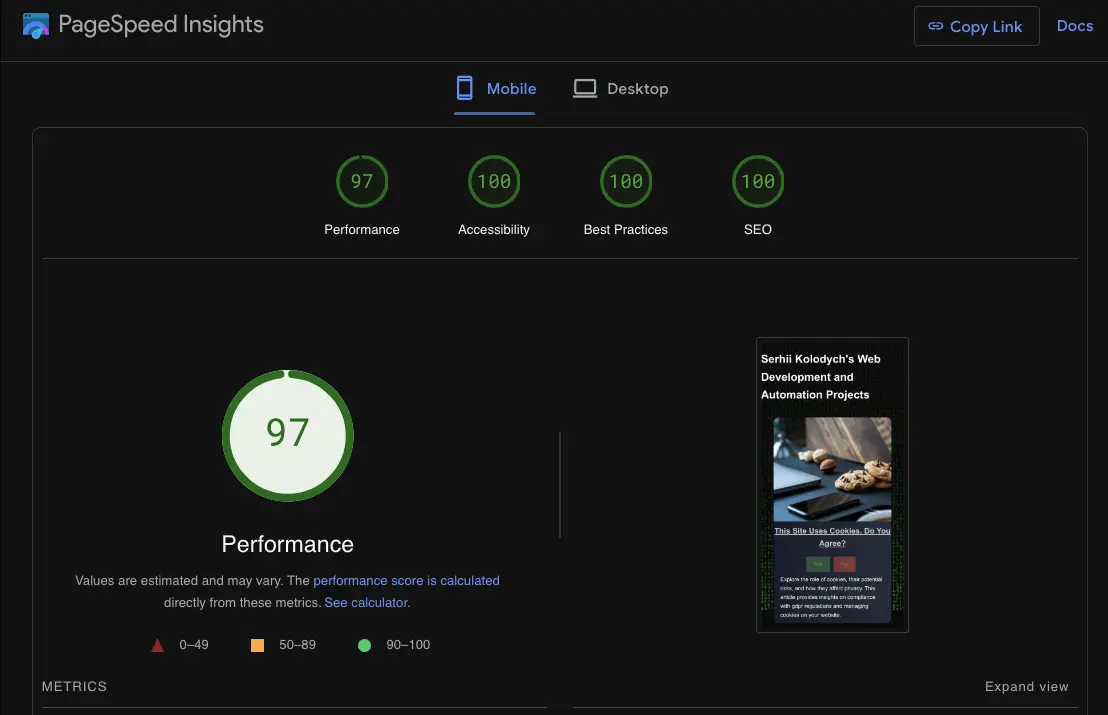
Google PageSpeed Insights provides a quick look at performance, accessibility, and SEO. It highlights key metrics like FCP and LCP, with detailed suggestions for optimization.
Why Yellow Lab Tools is a Game Changer
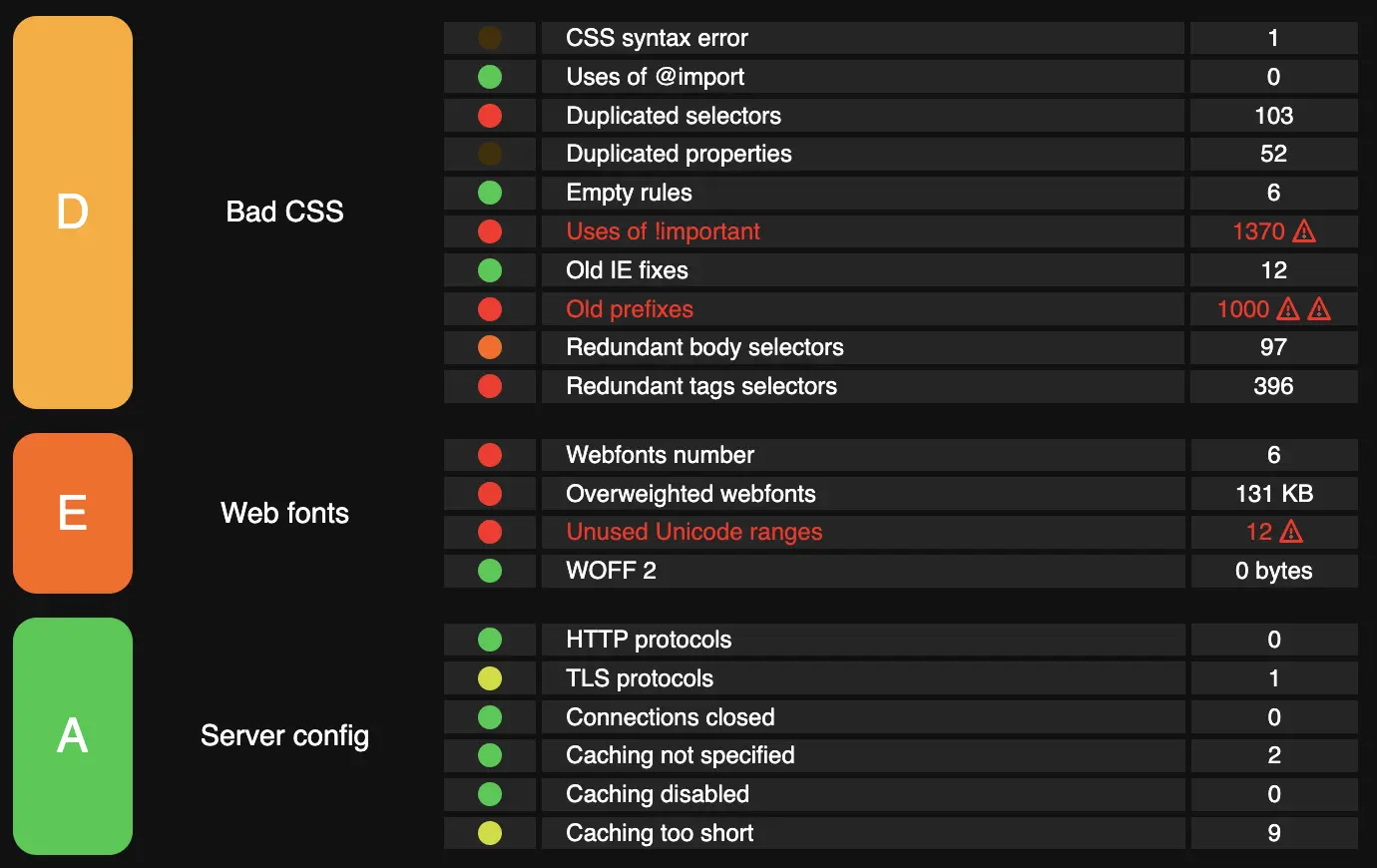
Yellow Lab Tools dives deep into 74 parameters, looking for oversized images, file bloating, JavaScript errors, and CSS complexity. It’s an essential alternative to standard SEO checkers.
Optimize Your Social Sharing
Open Graph Meta tags control how your content appears on social platforms. These tags ensure your previews are inviting and professional, encouraging more clicks.